Crypto payment integration checklist: What to check before going live
A practical checklist for businesses integrating crypto payments. Learn what to check before going live with USDT TRC-20 and TRX payments using goodPayments.


A crypto payment API connects three separate environments:
The merchant’s business system, where the order and customer information are stored.
The payment platform, which creates and tracks the payment.
The blockchain, where the customer sends the transaction.
These environments should not be treated as one system.
An order created in an online store is not yet a payment. A payment created through the API is not yet a blockchain transaction. A transaction submitted to the network is not automatically a completed business order.
The API provides the layer that connects these events without forcing the merchant to monitor wallet addresses and blockchain explorers manually.
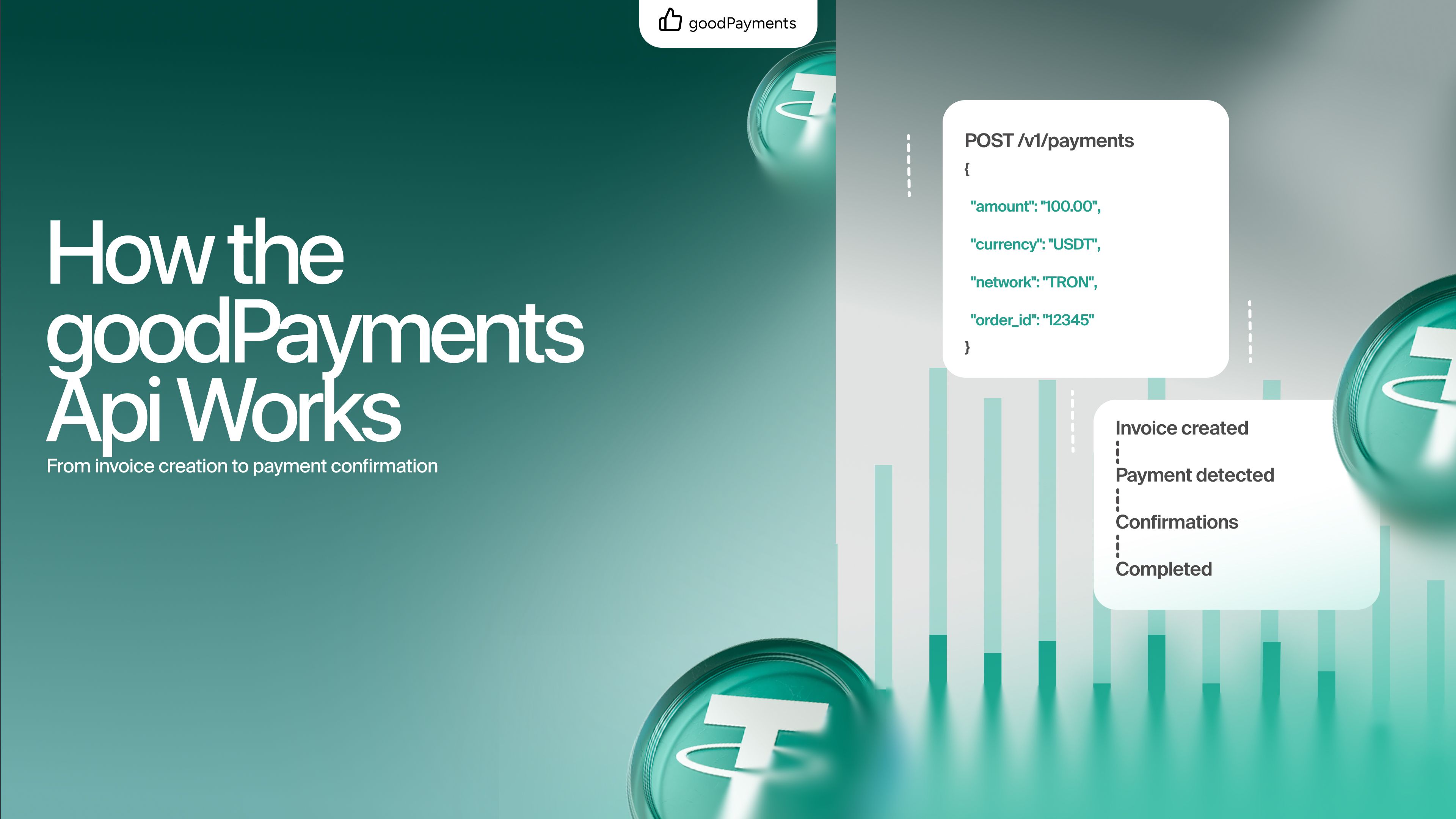
In a typical goodPayments integration, the sequence looks like this:
Customer selects TRX or USDT → merchant creates a payment through the API → goodPayments returns the payment data → customer sends the funds → the transaction is detected and processed → the merchant checks the resulting payment status → the order is fulfilled.
Understanding these stages is important because each one has its own identifier, state, and business logic.
The process begins inside the merchant’s website or application.
A customer creates an order and chooses cryptocurrency as the payment method. At this stage, the merchant’s system should already know:
The merchant should create and store the internal order before requesting a crypto payment. This makes it possible to trace every payment attempt back to a specific business operation.
The frontend should not create the payment by calling the processing API directly. API credentials and payment logic belong on the merchant’s backend, where they cannot be extracted from the browser or altered by the customer.
A safer flow is:
Checkout page → merchant backend → goodPayments API.
The customer’s browser asks the merchant’s server to start the payment. The server validates the order and sends the required payment data to goodPayments.
After validating the order, the backend creates a payment using the goodPayments API.
The request should be generated from data stored on the server rather than from values supplied by the browser. Otherwise, a customer could attempt to change the amount, currency, or order reference before the request reaches the API.
The merchant should save the identifier returned for the new payment and associate it with the internal order ID. These identifiers serve different purposes:
Keeping them separate makes reconciliation and support significantly easier.
One order may also have more than one payment attempt. For example, a customer might open the checkout, let the payment window expire, and then request a new invoice. Reusing a previous payment record can create ambiguity, so each attempt should be stored independently.
Once the payment is created, the checkout can display the information required to complete the transfer.
Depending on the selected flow, this normally includes:
Clarity at this stage reduces avoidable errors.
The checkout should not display “USDT” without identifying the network. USDT exists on several blockchains, while goodPayments is focused on USDT TRC-20 and TRX. A customer who sends an asset through the wrong network is not completing the requested TRON payment.
The interface should therefore state the network prominently near both the amount and the address. The same information should remain visible after the customer leaves the initial checkout screen.
Merchants should also avoid silently changing the amount after the payment has been created. The amount presented to the customer must match the active payment record. When exchange rates or order totals change, the safer approach is to create a new payment rather than modifying the meaning of an existing one.
The customer confirms the transaction in a compatible wallet.
At this point, a blockchain transaction may receive a transaction identifier, commonly called a TXID. The TXID is useful because it allows the transfer to be located in the network, but its existence alone should not be treated as proof that the business payment has been completed correctly.
The transaction still needs to be matched against the payment conditions.
The processing flow must establish that:
This is one reason why merchants should rely on the payment state returned by the processing system instead of asking customers to send screenshots or paste TXIDs into a support chat.
A screenshot can be edited. A TXID may refer to the wrong token, address, or amount. The payment record provides the business context needed to interpret the blockchain transaction correctly.
After the transaction is detected, goodPayments connects the on-chain activity with the corresponding payment record.
The merchant’s application can use the API to retrieve current payment information and determine whether the order should remain unpaid, continue waiting, or proceed to fulfilment.
The integration should use the exact statuses and response fields defined in the current goodPayments Swagger documentation. Developers should not invent their own interpretation of an intermediate state or assume that any detected transaction means “paid.”
Internally, the merchant may map the API response to simpler business states such as:
These are examples of merchant-side states, not replacements for the official goodPayments API values. The original API response should always be retained in logs for troubleshooting and reconciliation.
When the API indicates that the payment has reached the required final state, the merchant’s backend can update the order.
Depending on the business model, this may trigger several automated actions:
This transition should occur on the server, not in the customer’s browser.
The checkout page may be closed immediately after the customer sends the transaction. A mobile wallet may not return the customer to the merchant’s website. A browser redirect may also fail because of connectivity issues.
For these reasons, the order must not depend on the customer reaching a “success” page. The success page is part of the user experience; the API response is part of the payment logic.
An integration needs a server-side mechanism for checking whether a payment has changed.
Where payment status is retrieved through API requests, the merchant can poll the relevant payment resource at controlled intervals. Polling means requesting the current payment information repeatedly until the payment reaches a terminal state or the merchant stops checking it.
Polling is straightforward, but it should be implemented carefully.
A merchant should not request the same payment status every second indefinitely. A better strategy is to:
The current Swagger documentation should be treated as the source of truth for available notification mechanisms, authentication requirements, rate limits, response fields, and status retrieval methods.
Payment processing is an event-driven workflow. The same state may be received or checked more than once.
Suppose the merchant’s application checks a payment, receives a completed result, and starts activating a subscription. Before the database transaction finishes, the request is repeated. Without protection, the user could receive the same credit twice.
The order-processing function must therefore be idempotent: processing the same completed payment repeatedly should produce the same final result rather than duplicate fulfilment.
A basic implementation can enforce this rule by storing:
Before delivering a product or adding funds to a balance, the system should check whether that payment has already been applied.
This principle is important even when the processing platform returns each payment only once. Network retries, application restarts, scheduled reconciliation, and manual support actions can all cause the same record to be processed again.
Crypto checkout does not always follow the ideal sequence.
A customer may create a payment, wait until the payment window is almost over, and then send the transaction. The merchant’s checkout may stop showing the invoice before the transfer is detected.
The application should not decide the outcome using only its own frontend timer.
The timer tells the customer that the displayed payment session has ended. The processing result determines how the actual transaction should be handled.
The merchant should define a clear policy for delayed payments:
This policy becomes especially important when the merchant prices products in fiat but accepts settlement in cryptocurrency.
Customers can make mistakes when entering an amount manually. The received amount may be lower or higher than the payment request.
The merchant should not automatically treat every non-zero transfer as full payment.
Instead, the integration needs explicit rules for:
The API response and the merchant’s own payment policy should determine whether the order is fulfilled, rejected, or sent for review.
For low-value digital products, a business may choose a small operational tolerance. For high-value orders, exact matching may be more appropriate. This is a commercial decision, but it must be implemented consistently and documented for support teams.
The API credential allows the merchant’s system to perform payment operations. It should be treated as a secret.
Developers should follow several basic rules:
The merchant should also validate all data before it reaches the payment layer. An authenticated API request is not necessarily a valid business request. The backend must still confirm that the order exists, has the expected amount, and is eligible for payment.
Real payment operations require more than changing an order to “paid.”
Finance and support teams need to answer questions such as:
The goodPayments API includes payment and transaction information that can be used as part of this reconciliation process. Businesses should store relevant API identifiers alongside their own order data rather than relying exclusively on the dashboard.
A scheduled reconciliation job can periodically compare recent internal records with current API data. This helps detect incomplete local updates caused by temporary application errors, database failures, or interrupted requests.
The dashboard remains useful for operational visibility, while the API connects payment records with the merchant’s own systems.
goodPayments does not take a percentage of the merchant’s revenue or hold the merchant’s incoming payments on an internal platform balance. Proceeds are directed to the merchant’s wallet.
This changes the role of the API.
The API coordinates the payment process, provides payment information, and supports automation, but it does not turn the merchant’s revenue into a balance that must later be withdrawn from the processor.
For a business, this model can reduce dependence on a third party for access to received funds. It also means that wallet management remains an important responsibility. The merchant must use a secure wallet, protect access credentials and recovery data, and define internal controls for any subsequent movement of funds.
Non-custodial settlement reduces custody risk; it does not remove the need for operational security.
Beyond incoming payments
The current goodPayments API is not limited to creating and reviewing incoming payments. Its documented capabilities also support adjacent business workflows, including transaction data, rate information, merchant information, and mass payout operations.
Mass payouts can be useful for businesses that need to send TRX or USDT to multiple recipients, such as:
Incoming payments and outgoing distributions should still be treated as separate workflows. Each requires its own authorization rules, audit trail, validation, and reconciliation.
A user who is allowed to review payments should not automatically be allowed to initiate payouts. High-impact API operations should be isolated inside the merchant’s infrastructure and protected by additional internal controls.
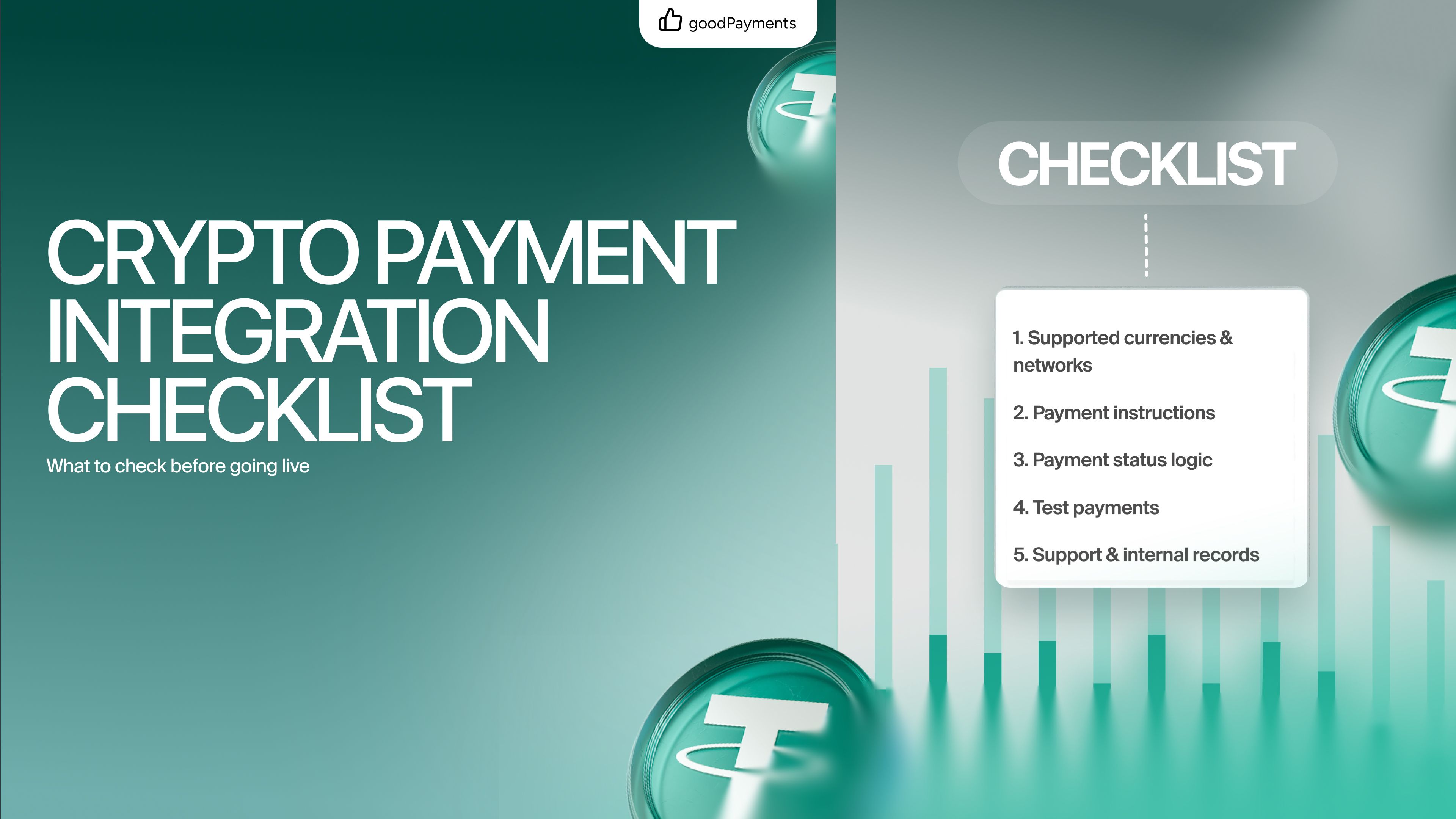
A practical integration checklist
Before deploying a goodPayments API integration, confirm that the application:

A crypto payment API should not be understood as a single request that generates an address.
It is the connection between an order in the merchant’s system, a payment record in the processing platform, and a transaction on the blockchain. A reliable integration preserves that connection through every stage: creation, checkout, transaction processing, status verification, fulfilment, and reconciliation.
goodPayments provides an API-focused way to integrate TRX and USDT TRC-20 payments while directing proceeds to the merchant’s own wallet. Businesses can combine this model with their existing checkout, CRM, billing, reporting, and operational workflows instead of reviewing every transfer manually.
The best integration is not the one with the most code. It is the one that applies clear payment states, protects credentials, prevents duplicate actions, accounts for unusual customer behaviour, and gives every team a consistent record of what happened.
A practical checklist for businesses integrating crypto payments. Learn what to check before going live with USDT TRC-20 and TRX payments using goodPayments.
Compare payment links and API integration for crypto payments. Learn which option fits your business and how goodPayments helps you accept USDT TRC-20 and TRX.
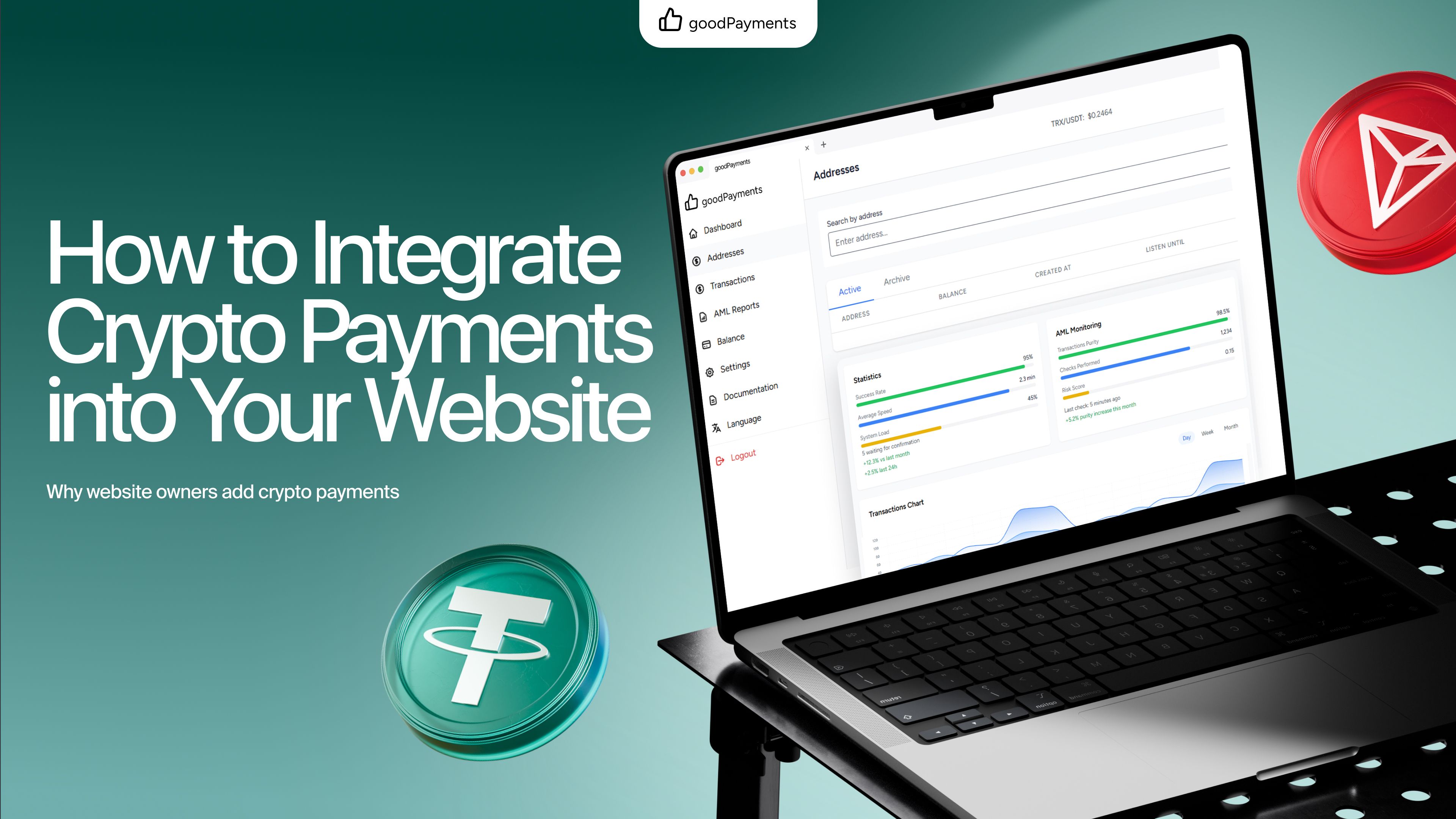
Learn how to integrate crypto payments into your website, choose between payment links and API integration, and start accepting USDT TRC-20 with goodPayments.